
Setup tutorial · Apple · Updated 2026
IPTV on iPhone, iPad & Apple TV: Setup Guide
Quick answer: To watch IPTV on iPhone, install an IPTV player such as IPTV Smarters Pro or iMPlayer from the App Store, choose Login with Xtream Codes API, enter your name, username, password and server URL, then open Live TV. The same steps work on iPad and Apple TV.
Yes, you can watch IPTV on iPhone, iPad and Apple TV, and it only takes about five minutes. Apple devices do not need any workaround: the players are in the official App Store. This guide uses IPTV Smarters Pro, with iMPlayer as an alternative, and shows every step with real screenshots.
Before you start, have your IPTV subscription details ready: server URL, username and password.
Which app should you use?
| App | iPhone / iPad | Apple TV | Login |
|---|---|---|---|
| IPTV Smarters Pro | Yes | Yes | Xtream Codes, M3U |
| iMPlayer | Yes | Yes | Xtream Codes, M3U |
App availability can vary by country. For more players, see the best IPTV player apps for iPhone and iPad.
Step 1: Install IPTV Smarters Pro on iPhone or iPad
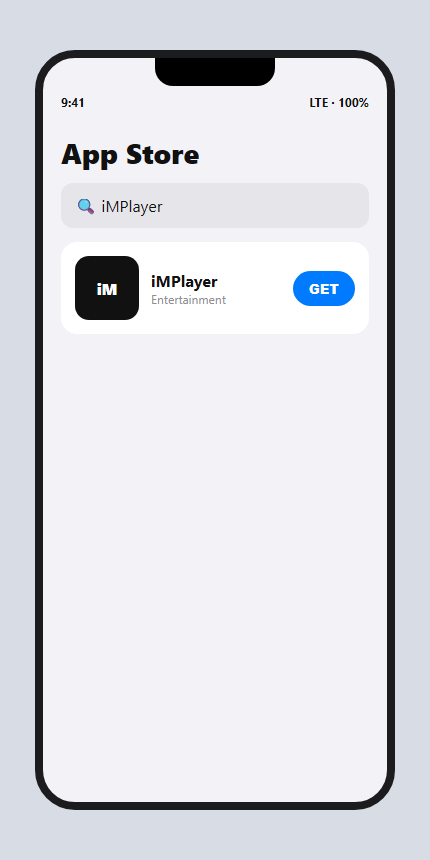
- Open the App Store
Search for IPTV Smarters Pro. - Install
Tap Get and wait for the download. - Open the app
Accept the terms when asked.
Step 2: Sign in with Xtream Codes
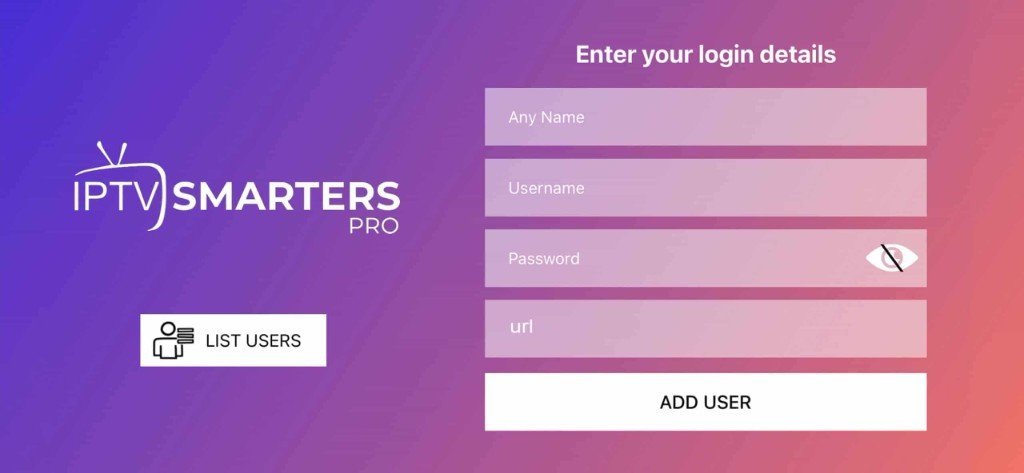
- Choose the login type
Tap Login with Xtream Codes API (or Add User). - Enter your details
Any name, then the username, password and server URL you received. - Add the user
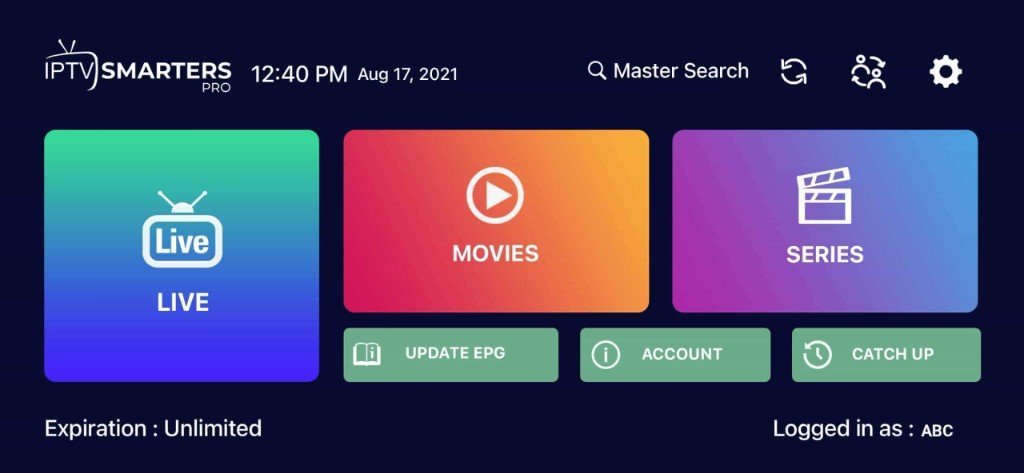
Tap ADD USER and wait for the channels to load.
No login yet? Choose a plan and get your details on WhatsApp in minutes.
Get your IPTV accessAlternative: iMPlayer
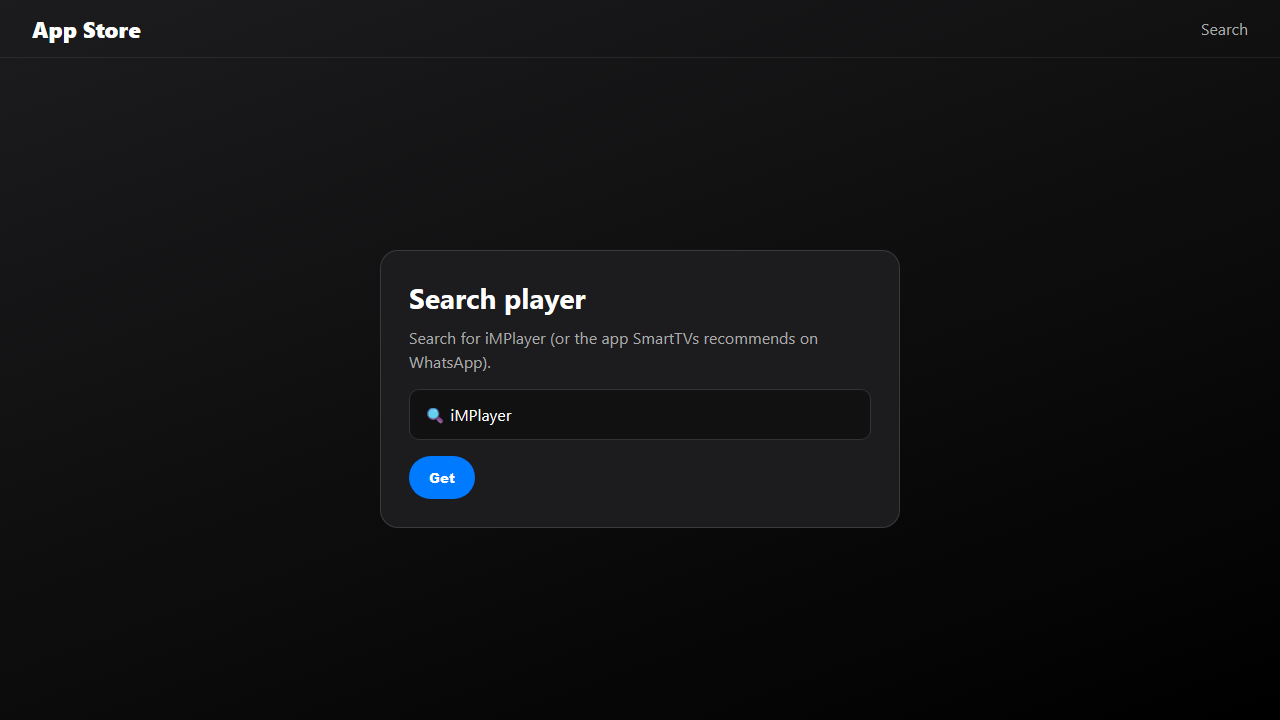
If IPTV Smarters Pro is not available in your country, search the App Store for iMPlayer. Install it, add an Xtream Codes playlist with the same details, and open Live TV once the playlist loads.


IPTV on Apple TV
Apple TV uses the same apps. Open the App Store on Apple TV, install IPTV Smarters Pro (or iMPlayer), and sign in with Xtream Codes exactly as on iPhone. The bigger screen and the Siri Remote make it the best Apple option for live sports.
Tips for IPTV on iPhone and iPad
- Use Wi-FiHD streams use a lot of mobile data.
- Turn on Picture in PictureKeep watching while you use other apps.
- AirPlay to your TVSend the stream to an Apple TV or AirPlay-compatible Smart TV.
- Add favoritesKeep your main channels one tap away.
Problems? See the IPTV troubleshooting guide.
More setup tutorials
Ready to switch? Compare our IPTV subscription plans, check the US channel list, or read what IPTV is and how it works.
Frequently asked questions
Can you watch IPTV on iPhone?
Yes. Install an IPTV player such as IPTV Smarters Pro or iMPlayer from the App Store and sign in with your Xtream Codes details.
Does IPTV work on Apple TV?
Yes. Install the same player from the Apple TV App Store and sign in exactly as on iPhone.
Do I need a VPN for IPTV on iPhone?
No, a VPN is not required. Some people use one for privacy, but it can slow your connection.
Why can’t I find IPTV Smarters Pro in the App Store?
Availability varies by country. Try iMPlayer or another player from our iPhone IPTV apps guide.
Related guides
What Is IPTV? How Internet TV Works (2026 Guide)
IPTV is TV delivered over the internet instead of cable or satellite. Learn how IPTV works, what you need, and whether it is legal in the USA.
IPTV Subscription Cost in the USA (2026): What You Really Pay
How much does an IPTV subscription cost in the USA? Typical monthly and yearly prices, IPTV vs cable costs, hidden fees to avoid and how to pay less per month.
IPTV Not Working? Quick Fixes and Troubleshooting Guide (2026)
IPTV not working, buffering or not loading? Step-by-step fixes for Firestick, Smart TV and phones: internet checks, app cache, login errors, channels not loading and more.