
Setup tutorials · Updated 2026
IPTV Setup Tutorials: Pick Your Device
Our IPTV setup tutorials walk you through every step with real screenshots, from installing the player to watching live TV. Choose your device below; most setups take less than 10 minutes.
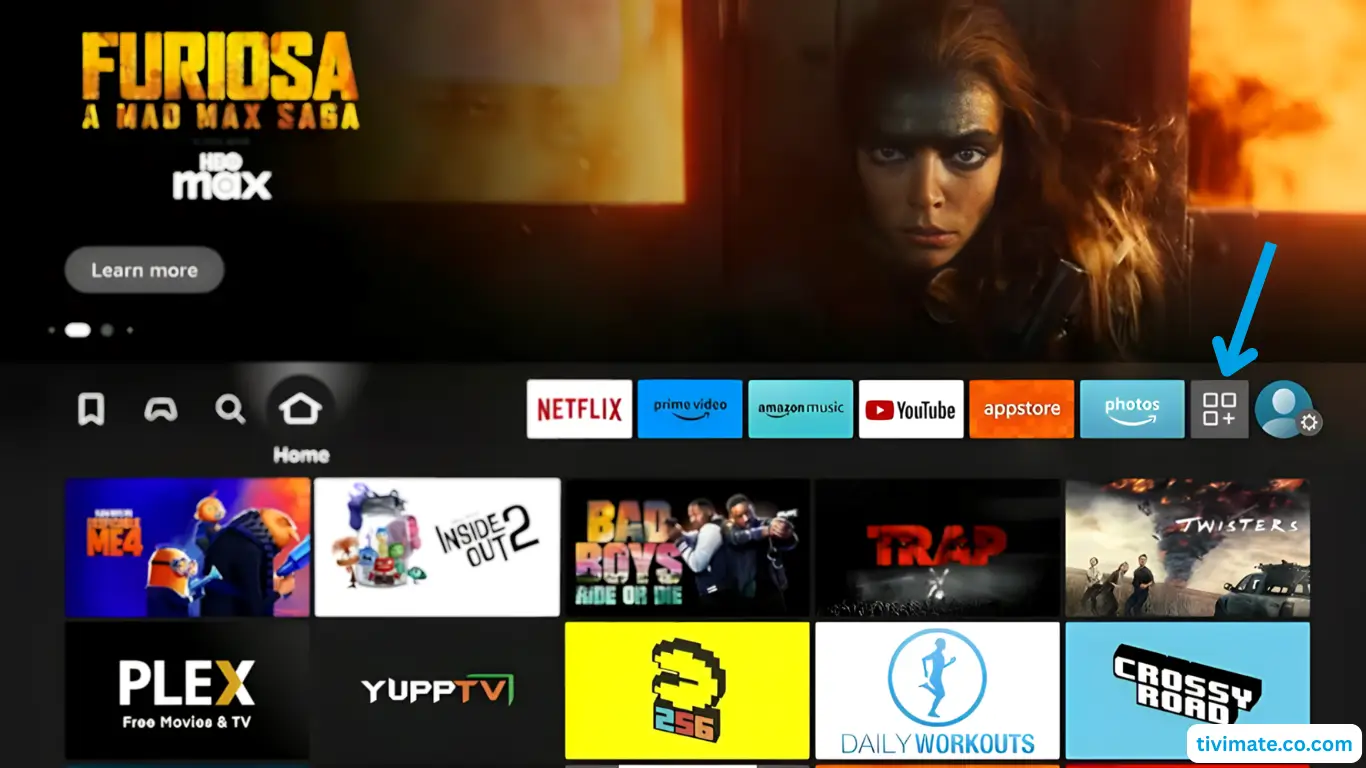
Amazon Firestick
Tutorial for Firestick, Fire TV Cube and Fire TV Edition TVs with IBO Player Pro.
Learn More →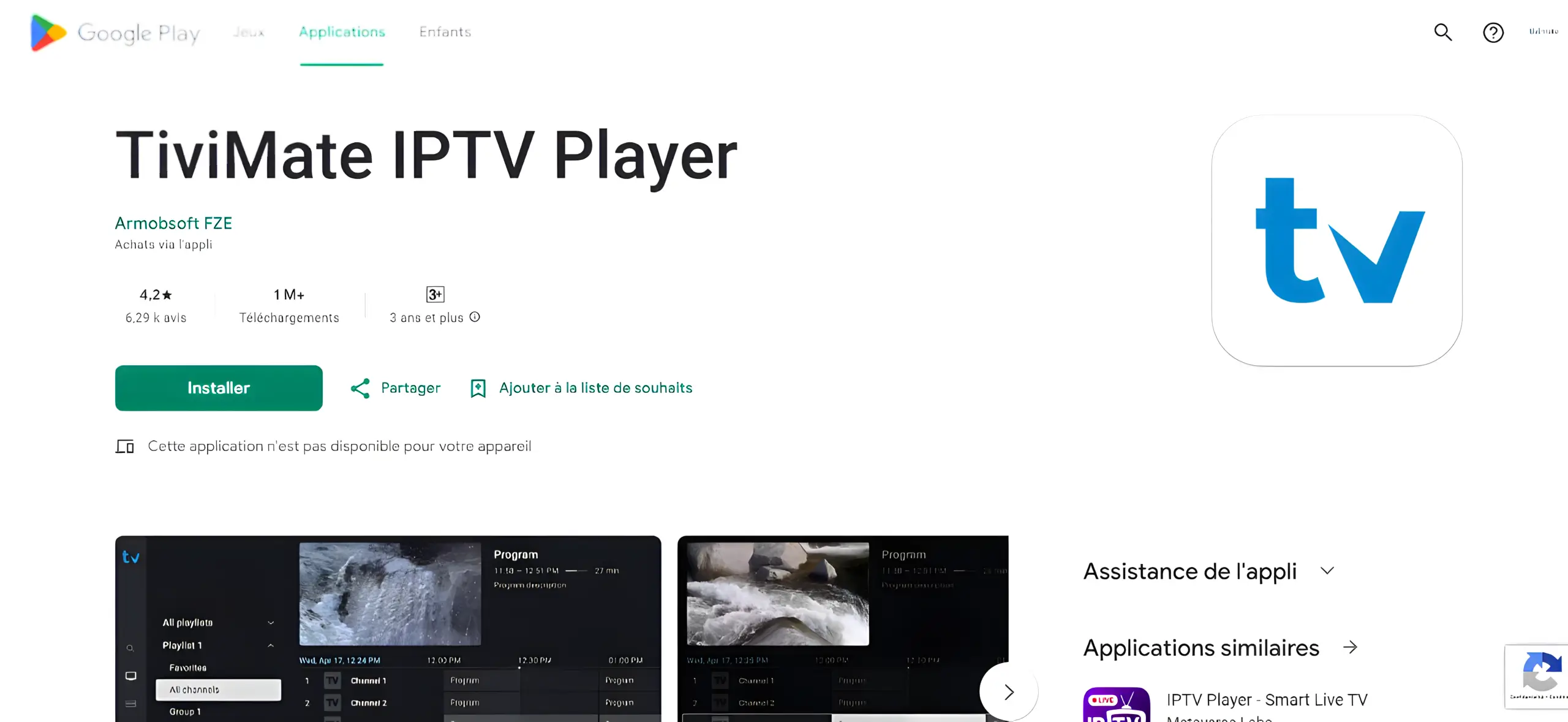
Android & ChromeOS
Tutorial for Android devices: Smart TV, Android TV box, Chromecast, phone and Chromebook.
Learn More →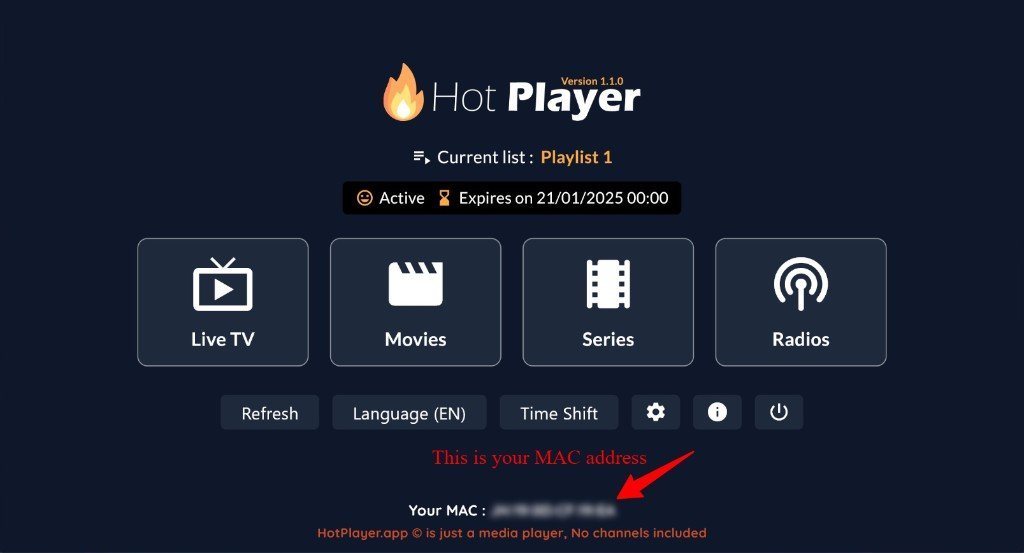
Samsung & LG
Tutorial for Smart TVs (LG and Samsung), plus Vizio and Hisense.
Learn More →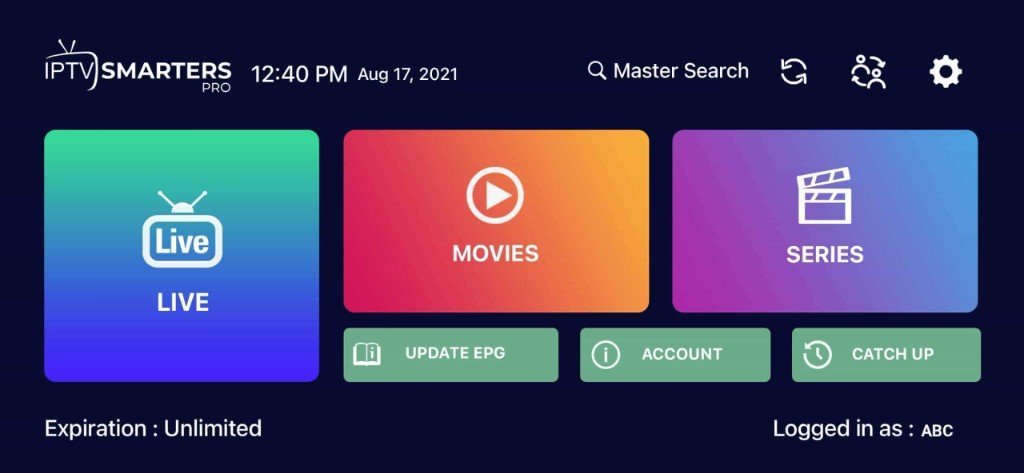
iPhone, iPad & Apple TV
Tutorial for iOS devices and Apple TV with IPTV Smarters Pro or iMPlayer.
Learn More →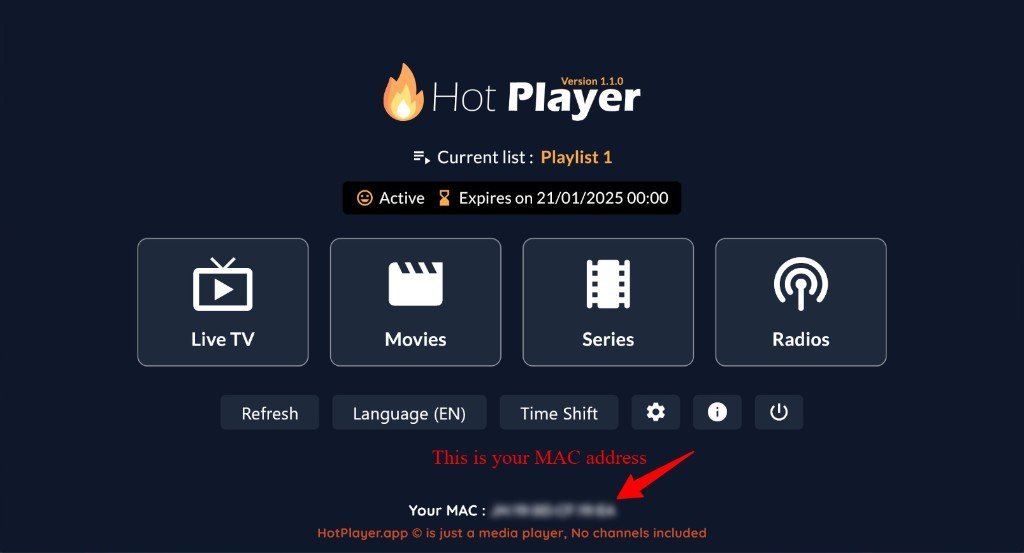
Roku TV
Tutorial for Roku TV, Streaming Stick, Ultra and Express with Hot Player.
Learn More →Don’t have a subscription yet? Plans start at $19.99, with setup help on WhatsApp.
See IPTV plansOther devices
Using Windows, Mac, Formuler or BuzzTV? Open our interactive installation guide and choose your device, or read how to set up IPTV on any device.
Before you start
- Your login detailsServer URL, username and password (or an M3U link), sent to you on WhatsApp after you order.
- Internet speedAbout 10 Mbps for HD and 25 Mbps for 4K.
- A player appEach tutorial shows which one to install.
Frequently asked questions
Which IPTV setup tutorial should I follow?
Pick the tutorial for the device you watch on: Amazon Firestick, Android and ChromeOS (TV boxes, Google TV, phones, Chromebooks) or Samsung and LG Smart TVs.
How long does IPTV setup take?
Most setups take 5 to 10 minutes: install a player app, add your login details and start watching.
What do I need before I start?
Your IPTV login details (server URL, username and password, or an M3U link), a compatible device and a stable internet connection.