
Best IPTV Apps for iPhone, iPad & Apple TV (2027 iOS List)
The best IPTV apps for iPhone, iPad, and Apple TV in 2027 are Smarters Player Lite (best overall iOS), iPlayTV (best for Apple TV), GSE Smart IPTV (most features), and IPTVX (best M3U support). All are free and support Xtream Codes API and M3U playlist formats.
App guide · Updated 2026
Best IPTV Player Apps for iPhone and iPad
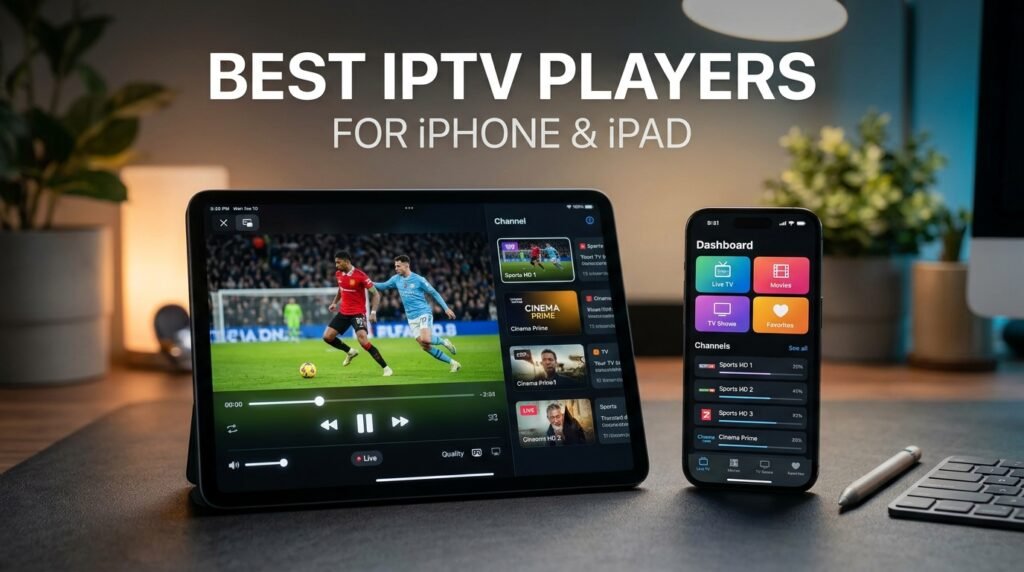
Quick answer: Good IPTV player apps for iPhone and iPad include IPTVX, GSE Smart IPTV, VLC and Smarters Player Lite, and iPlayTV for Apple TV. Each lets you add your M3U playlist or Xtream login from your IPTV subscription.
Apple devices are great for IPTV: smooth playback, sharp screens and AirPlay to your TV. The App Store has fewer IPTV players than Android, so it helps to know which ones are worth installing.
App availability and prices change often. Check the official app store for the current version before you install. These are player apps only: they do not include channels, which come from your IPTV subscription.
1. IPTVX
A polished player built for Apple devices, with a modern interface, TV guide, favorites and support for iPhone, iPad, Mac and Apple TV. Some features require a paid upgrade.
2. GSE Smart IPTV
A long-running, feature-rich player supporting M3U and Xtream login, EPG, parental controls and Chromecast. The interface is busier, but it is very flexible.
3. iPlayTV (Apple TV)
One of the most popular players on Apple TV, with a clean TV-style guide designed for the remote. It is a paid app on tvOS.
4. VLC for Mobile
Free and open source. VLC plays M3U links directly and is perfect for testing your subscription on iPhone or iPad, though it has no TV guide.
5. Smarters Player Lite
A simple player with Xtream Codes login, live TV, movies and series sections. A good choice if your provider gives you Xtream details.
Comparison
| App | iPhone/iPad | Apple TV | TV guide |
|---|---|---|---|
| IPTVX | Yes | Yes | Yes |
| GSE Smart IPTV | Yes | Yes | Yes |
| iPlayTV | — | Yes | Yes |
| VLC | Yes | Yes | No |
| Smarters Player Lite | Yes | Varies | Yes |
How to set up IPTV on iPhone and iPad
- Install
Download your chosen player from the App Store. - Add your list
Enter your M3U link or Xtream username, password and server. - Watch or AirPlay
Play on the device or AirPlay to your Apple TV or Smart TV.
Tips for the best experience
- Use Wi-Fi rather than mobile data for HD and 4K.
- Turn on Picture in Picture to keep watching while using other apps.
- Set up favorites so your main channels are one tap away.
For other devices, read our best IPTV apps for Android, iOS and Smart TVs.
Ready to switch? Compare our IPTV subscription plans, check the US channel list, or read what IPTV is and how it works.
Frequently asked questions
What is the best IPTV app for iPhone?
IPTVX and GSE Smart IPTV are popular full-featured choices; VLC is a free option for quick testing.
What is the best IPTV app for Apple TV?
iPlayTV and IPTVX are popular on Apple TV for their TV-style guides.
Are IPTV apps on the App Store free?
Some are free, some are paid, and many are free with optional upgrades.
Can I AirPlay IPTV to my TV?
Yes. Most players support AirPlay to an Apple TV or AirPlay-compatible Smart TV.
Related guides
Best Free IPTV Apps for Android That Actually Work (2026)
The best free IPTV player apps for Android phones, Android TV and Firestick: VLC, Kodi, OTT Navigator, Perfect Player, TiviMate and more, with pros, cons and setup tips.
Best IPTV Apps for Android, iOS and Smart TVs (2026)
The best IPTV apps for every device: Firestick, Android TV, iPhone, Apple TV, Samsung and LG Smart TVs, Roku and PC. Which player to choose and how to set it up.
10 Reasons to Ditch Cable for an Affordable IPTV Subscription
Why American households are leaving cable for an affordable IPTV subscription: lower bills, no contracts, no boxes, more devices and live TV plus on-demand in one app.
Pair any iOS IPTV player with IPTVPub, a verified IPTV service provider in the USA offering full M3U and Xtream Codes support for iPhone, iPad, and Apple TV.
Frequently Asked Questions
What is the best IPTV app for iPhone in 2027?
Smarters Player Lite is the best IPTV app for iPhone. It is free on the App Store, supports Xtream Codes API and M3U playlists, and offers a clean mobile interface with EPG guide. Works with all major IPTV services including IPTVPub.
Can I watch IPTV on Apple TV 4K?
Yes. iPlayTV and Smarters Player Lite are the best IPTV apps for Apple TV 4K. Both support Xtream Codes login and M3U URLs. Follow our Apple TV IPTV setup guide for step-by-step instructions.
Are there free IPTV apps for iPad?
Yes — Smarters Player Lite, GSE Smart IPTV, and IPTVX are all free IPTV players for iPad available on the App Store. They provide the player interface; you supply your IPTV subscription credentials from a provider like IPTVPub.
How do I set up IPTV on my iPhone or iPad?
Download Smarters Player Lite from the App Store, open it, select “Login with Xtream Codes API,” and enter your IPTVPub server URL, username, and password. The app loads your channel list and EPG automatically. Takes under 3 minutes.
Does IPTV work well on iOS devices?
Yes, IPTV works excellently on iOS. iPhones and iPads support HD/4K IPTV streaming, AirPlay to Apple TV, and picture-in-picture mode. Apple TV 4K delivers the best big-screen experience with tvOS-optimized IPTV apps.
More IPTV App Guides
See the full best IPTV apps comparison across all devices. Android user instead? Check our best free IPTV apps for Android guide. Get your subscription set up with our Apple device setup tutorial. Compare IPTV pricing plans to choose the right subscription.