
Troubleshooting · Updated 2026
IPTV Not Working? Quick Fixes That Actually Work
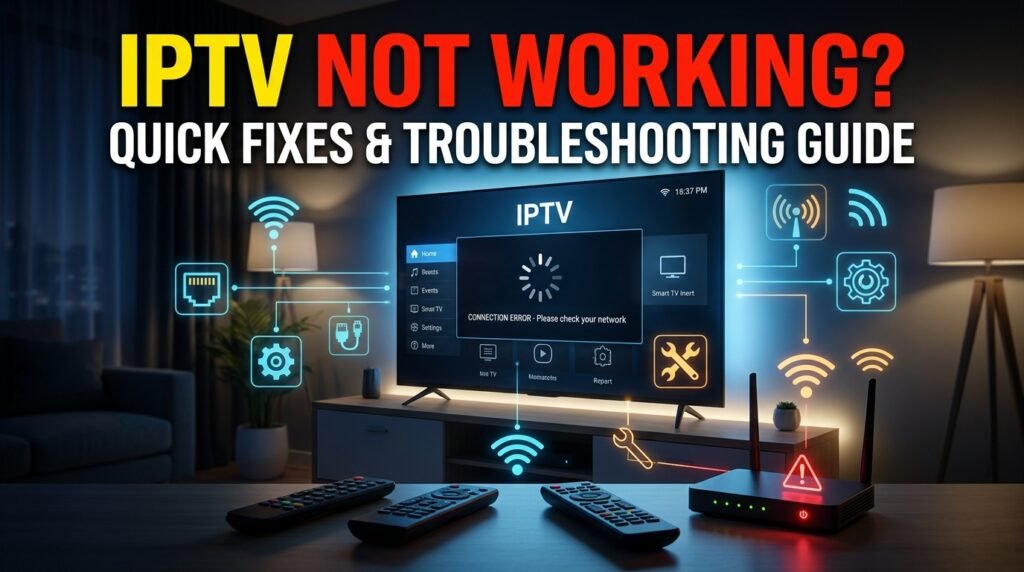
Quick answer: Restart your device and router, check that your internet speed is at least 10 Mbps for HD, clear the IPTV app cache, and sign in again. These four steps solve most IPTV problems in a few minutes.
Few things are more frustrating than a frozen screen right before the game starts. The good news is that most IPTV problems come from a short list of causes, and you can fix the majority yourself. Work through this guide from top to bottom; each step takes only a minute or two.
Why IPTV stops working
When an IPTV service stops working, the cause is usually one of these: a slow or unstable internet connection, an app that needs updating or clearing, wrong login details, a device that is short on memory, or temporary server maintenance at the provider.
Start with the basics
- Restart everything
Turn off your TV or streaming device and your router for 60 seconds, then turn them back on. - Test your speed
Run a speed test on the same device. You need about 10 Mbps for HD and 25 Mbps for 4K. - Try another channel
If only one channel fails, the problem is that channel, not your setup.
IPTV not working on Firestick
- Clear the app cacheGo to Settings, Applications, Manage Installed Applications, choose your IPTV app and select Clear Cache.
- Free up storageUninstall apps you no longer use. Firesticks slow down when storage is almost full.
- Update the appOld versions can stop working after server changes.
- Use Ethernet or 5 GHz Wi-FiAn Ethernet adapter or a 5 GHz network fixes many Firestick buffering issues.
Buffering problems
Buffering means your device is not receiving data fast enough. Close other apps and downloads on your network, move your router closer to the TV, switch to a wired connection, or lower the stream quality from 4K to HD. If buffering only happens in the evening or during big games, the issue may be the provider’s servers at peak hours.
App crashes and freezes
Update the app, then clear its cache. If it still crashes, uninstall and reinstall it, and sign in again with your details. On Smart TVs, a full power cycle (unplugging the TV for a minute) clears memory issues.
Some channels not loading
If a few channels show a black screen while others work, the channel may be temporarily down or under maintenance. Refresh your playlist or channel list in the app settings. If the channel stays down for more than a few hours, contact your provider’s support.
Login and account errors
Check that you typed your username, password and server URL exactly as provided, with no extra spaces. Make sure your plan has not expired and that you are not using more screens than your plan allows.
TV guide (EPG) not showing
Open the app settings and update or reload the EPG. Check that your device time zone is set correctly, since a wrong time zone shifts the guide or leaves it blank.
Advanced fixes
- Change the DNS on your router or device to a public DNS service.
- Reset the IPTV app to its default settings.
- Try the same account on a different device to find out whether the problem is your device or your account.
How to prevent IPTV problems
Keep your app updated, restart your streaming device once a week, use a wired connection where you can, and avoid running large downloads while you watch live TV.
When to contact support
If none of the steps above work, send your provider the device you use, the app name, the channel that fails and a photo of any error message. Our support team answers on WhatsApp and walks you through the fix.
Ready to switch? Compare our IPTV subscription plans, check the US channel list, or read what IPTV is and how it works.
Frequently asked questions
Why does my IPTV keep buffering?
Buffering is usually caused by slow or unstable internet, weak Wi-Fi, a full device, or busy provider servers at peak times. A wired connection and a cleared app cache fix most cases.
Why is my IPTV not working on Firestick?
The most common causes are a full cache, low storage, an outdated app or weak Wi-Fi. Clear the cache, free storage and restart the Firestick.
Why do some IPTV channels not load?
A channel can be down temporarily or under maintenance. Refresh the channel list and try again later.
How do I fix IPTV login errors?
Re-enter your details exactly as provided, check that your plan is active, and make sure you are not over your screen limit.
Related guides
IPTV Subscription Cost in the USA (2026): What You Really Pay
How much does an IPTV subscription cost in the USA? Typical monthly and yearly prices, IPTV vs cable costs, hidden fees to avoid and how to pay less per month.
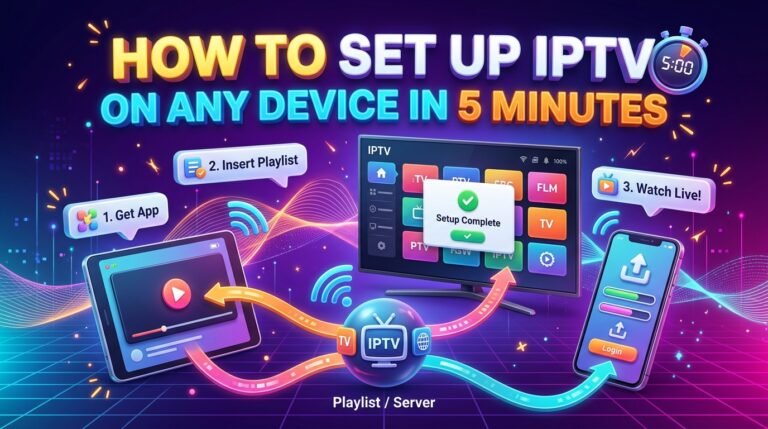
How to Set Up IPTV on Any Device in 5 Minutes
Step-by-step IPTV setup for Firestick, Android TV, Samsung and LG Smart TVs, iPhone, Apple TV and PC. What you need, which app to install and how to sign in.
How to Choose an IPTV Service Provider in the USA: The Complete Guide
The complete guide to choosing an IPTV service provider in the USA: channel lists, stream quality, devices, pricing, support, free trials and the red flags to avoid.