10 Reasons to Ditch Cable for an Affordable IPTV Subscription

Cord cutting · Updated 2026

10 Reasons to Ditch Cable for an Affordable IPTV Subscription
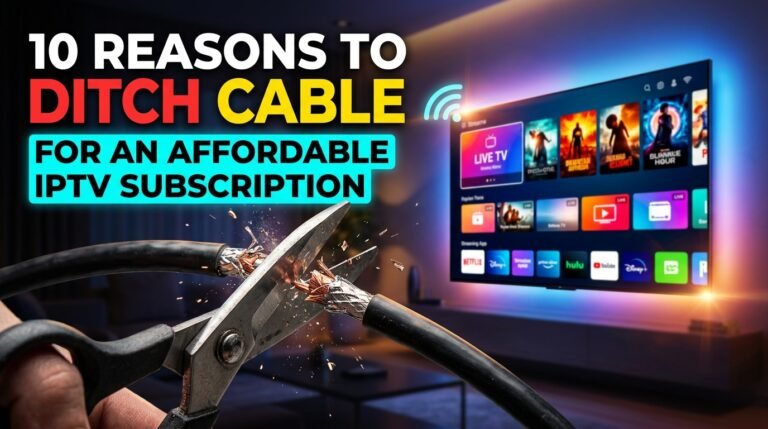
Scissors cutting a cable wire - ditch cable for an affordable IPTV subscription

Quick answer: An affordable IPTV subscription can cut your TV bill from $100+ to under $20 a month, removes contracts and box rentals, and lets you watch live TV and on-demand content on every device you own.

Cable bills keep rising, and millions of American households have already cut the cord. If you are still paying for a cable package you barely use, here are ten practical reasons to switch to a cheap IPTV subscription, plus what to check so cheap does not mean unreliable.

1. A much lower monthly bill

Cable TV packages often cost $80 to $150 a month. A yearly IPTV plan can cost under $10 a month. See the full numbers in our IPTV subscription cost guide.

2. No box rental fees

Cable companies charge for every box in your home. IPTV runs on devices you already own, like a Smart TV or a Firestick.

3. No long contracts

Forget 24-month contracts and early termination fees. Choose 3, 6, 12 or 24 months, with no automatic renewal on our plans.

4. No installation appointment

No waiting at home for a technician. You install an app and sign in in about five minutes.

5. Watch on every screen

Watch on the living-room TV, the bedroom TV, your phone and your tablet, at home or on the road.

6. Live TV and on-demand in one place

IPTV combines live channels with a library of movies and series in one app, instead of separate cable and streaming bills.

7. A better TV guide experience

Modern IPTV players offer fast, searchable TV guides, favorites lists and catch-up for shows you missed.

8. Sharper picture options

Many IPTV plans offer Full HD as standard and 4K where available, while many cable channels are still sent in lower resolutions.

9. Easy to take with you

Moving house? Your IPTV subscription moves with you. No transfer fees, no new installation.

10. You stay in control

Upgrade, downgrade or stop at the end of your plan. No retention calls, no surprise price hikes after a promotional year.

Cheap vs too cheap

Affordable is good; suspiciously cheap is not. Avoid “lifetime” offers and providers with no clear terms or support. Our checklist on how to choose an IPTV service provider helps you tell the difference.

Ready to switch? Compare our IPTV subscription plans, check the US channel list, or read what IPTV is and how it works.

Frequently asked questions

How much can I save by switching from cable to IPTV?

Many households save $60 to $120 per month, because IPTV removes the package price, box rentals and contract fees.

Is a cheap IPTV subscription reliable?

It can be, if the provider has stable servers, clear terms and real support. Avoid lifetime deals and prices far below the market.

Do I need special equipment for IPTV?

No. A Smart TV, Firestick, Android box, phone or computer is enough.

Can I keep my local channels with IPTV?

Check the provider channel list for your local networks before you subscribe.

Related guides
See IPTV plans

Monthly vs Yearly IPTV Subscription: Which Is Best in 2026?

Buyer guide · Updated 2026

Monthly vs Yearly IPTV Subscription: Which Is Best?

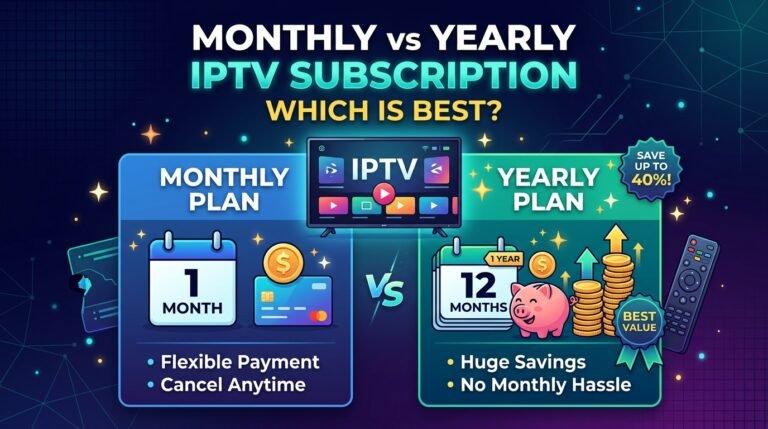
Monthly vs yearly IPTV subscription plans compared

Quick answer: A yearly IPTV subscription usually costs about half as much per month as a short plan, so it is the best value once you trust your provider. A short plan is best for testing quality on your own internet first.

Most IPTV providers offer several plan lengths, and the difference in price per month is big. Choosing the right length can save you more than the difference between providers. Here is how to decide which IPTV subscription length fits you.

Cost per month compared

Using our own plans as an example:

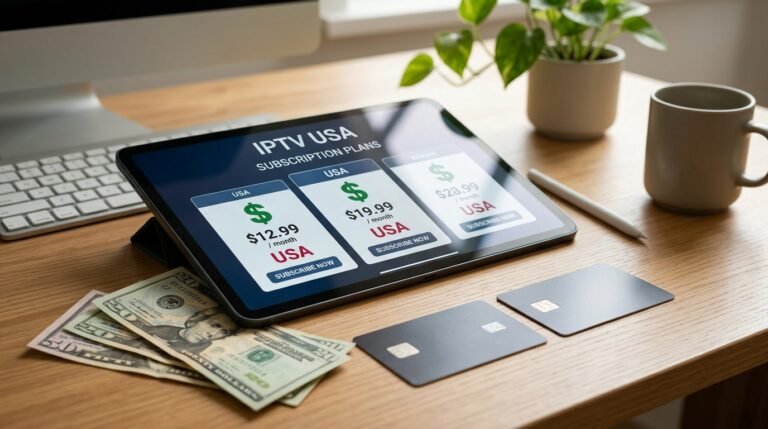
PlanTotalMonths of TVPer monthSaving vs monthly
1 month$19.991$19.99—
3 months$29.993$10.0050%
6 months + 1 free$49.997$7.1464%
12 months + 3 free$89.9915$6.0070%

See all current prices in our pricing section.

When a short plan makes sense

  • You are new to IPTVTest the service on your internet and devices first.
  • You are comparing providersA short plan limits your risk.
  • You only need it for a seasonFor example, one sports season.

When a yearly plan makes sense

  • You have tested the serviceAnd it streams smoothly at peak hours.
  • You watch TV every weekThe saving adds up quickly.
  • You want to set it and forget itOne payment, no monthly bills.

The risks of long plans

A long plan is only good value if the provider is still running and stable for the whole period. Avoid paying for 12 or 24 months up front with a provider you have not tested or that has no clear terms and refund policy.

Our recommendation

  1. Start with 1 or 3 months
    Check channels, quality and support.
  2. Move to 6 months + 1 free
    Lower your monthly cost.
  3. Choose 12 months + 3 free
    The lowest cost per month once you are fully confident.

Standard or Premium 4K?

Choose Premium 4K if you have a 4K TV and at least 25 Mbps internet, and you watch a lot of live sports. Otherwise Standard Full HD gives you the same channels for less.

Ready to switch? Compare our IPTV subscription plans, check the US channel list, or read what IPTV is and how it works.

Frequently asked questions

Is a yearly IPTV subscription worth it?

Yes, once you have tested the provider. A yearly plan typically costs about half as much per month as a short plan.

What is the best IPTV subscription length?

Start with a short plan to test, then switch to 12 months for the best balance of price and flexibility.

Do yearly IPTV plans renew automatically?

It depends on the provider. Our plans are one-time payments with no automatic renewal.

Can I upgrade from monthly to yearly later?

Yes. You can choose a longer plan when your current period ends.

Related guides

See IPTV plans

Why Thousands Are Switching to IPTV Apps in 2026

Cord cutting · Updated 2026

Why Thousands Are Switching to IPTV Apps

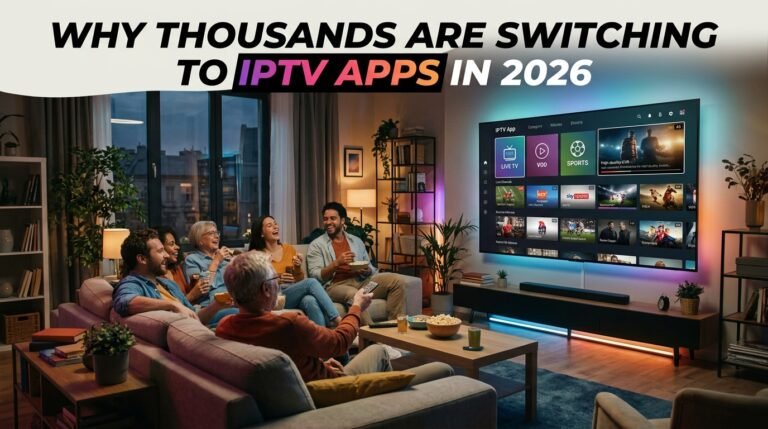
Friends watching IPTV apps on TV instead of a cable box

Quick answer: Viewers are replacing cable boxes with IPTV apps because one app works on every screen, the TV guide is faster and searchable, catch-up and on-demand are built in, and the monthly cost is far lower.

The cable box is disappearing from American living rooms. In its place: a single app on the TV, phone and tablet. Here is why the IPTV app has become the new way to watch live TV, and how to make the switch.

One app, every screen

A cable box works on one TV. An IPTV app installs on your Smart TV, Firestick, phone, tablet and computer, with the same channels and favorites everywhere.

A TV guide built for 2026

IPTV players have fast, searchable guides, favorites, recently watched lists and channel groups. Finding something to watch takes seconds instead of scrolling through hundreds of channels.

Catch-up and on-demand built in

Missed the game or the news? Catch-up TV and on-demand libraries mean you watch when it suits you. Learn more about the different types of IPTV services.

Lower cost, fewer fees

No box rental, no installation, no contract. An IPTV app plus a subscription usually costs a fraction of a cable bill.

Regular updates

Apps improve with updates: new features, better performance and support for new devices, without swapping hardware.

IPTV app vs cable box

IPTV appCable box
ScreensEvery device you ownOne TV per box
Hardware costNoneMonthly rental
SetupFive minutesTechnician visit
On the goYesLimited
UpdatesAutomaticBox replacement

How to switch

  1. Choose a provider
    Use our provider checklist.
  2. Pick an app
    See the best IPTV apps by device.
  3. Set it up
    Follow our setup guide.

Ready to switch? Compare our IPTV subscription plans, check the US channel list, or read what IPTV is and how it works.

Frequently asked questions

What is an IPTV app?

An app that plays live TV channels and on-demand content delivered over the internet from your IPTV subscription.

Can an IPTV app replace my cable box?

Yes. An IPTV app on a Smart TV or streaming device gives you live channels, a TV guide and on-demand content without a cable box.

Which devices can run IPTV apps?

Smart TVs, Firestick, Android TV, Apple TV, phones, tablets and computers.

Is an IPTV app free?

Many player apps are free or have a small one-time fee. The channels come from your IPTV subscription.

Related guides

See IPTV plans

Best Free IPTV Apps for Android That Actually Work (2026)

App guide · Updated 2026

Best Free IPTV Apps for Android That Actually Work

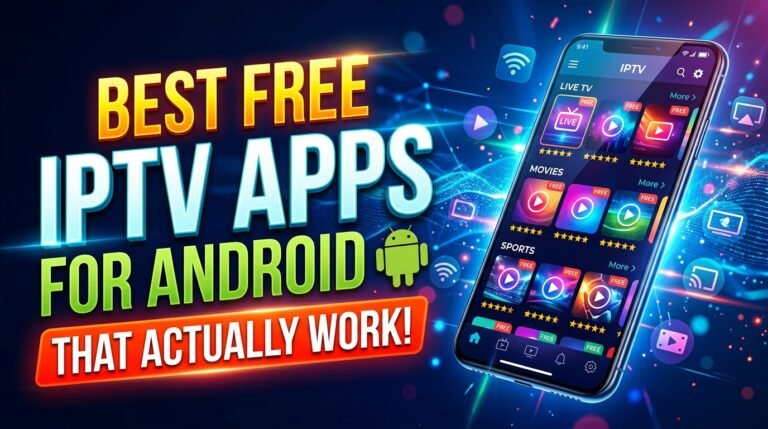
Best free IPTV apps for Android on a smartphone

Quick answer: The best free IPTV player apps for Android are VLC, Kodi with the PVR IPTV Simple Client, OTT Navigator, Perfect Player and the free version of TiviMate. All of them play M3U playlists from your IPTV subscription.

An IPTV player app is the screen you will use every day, so it matters more than most people think. The good news: you do not need to pay for a great player on Android. Here are the free apps that work reliably on Android phones, Android TV boxes, Google TV and Firestick.

App availability and prices change often. Check the official app store for the current version before you install. These are player apps only: they do not include channels, which come from your IPTV subscription.

1. VLC Media Player

The open-source classic. VLC opens M3U playlist links directly and plays almost any stream format. It has no TV guide, so it is best for testing your subscription or occasional viewing.

Best for: quick testing on any device.

2. Kodi with PVR IPTV Simple Client

Kodi is a free, open-source media center. Add the official PVR IPTV Simple Client add-on, enter your M3U and EPG links, and you get a full channel guide. It takes a little setup but is very flexible.

Best for: users who like to customize.

3. OTT Navigator

A modern player with a clean TV guide, catch-up support and Xtream Codes login. The core app is free, with optional paid extras.

Best for: a polished experience at no cost.

4. Perfect Player

Lightweight and fast, with a simple TV guide layout. It runs well on older Android boxes with limited memory.

Best for: older or low-power devices.

5. TiviMate (free version)

TiviMate is designed for Android TV and has one of the best TV-style interfaces. The free version covers basic playback; a paid upgrade unlocks features such as multiple playlists and recording.

Best for: Android TV and Firestick on the big screen.

Comparison table

AppTV guideXtream loginBest device
VLCNoNo (M3U only)Any
Kodi + PVR Simple ClientYesVia M3UAndroid TV, PC
OTT NavigatorYesYesPhone, Android TV
Perfect PlayerYesVia M3UOlder boxes
TiviMate (free)YesYesAndroid TV, Firestick

How to install and connect

  1. Install
    Get the app from the Google Play Store or Amazon Appstore.
  2. Add your playlist
    Choose M3U or Xtream Codes and enter the details from your provider.
  3. Load the guide
    Add the EPG link if your provider gives one.

Need more detail? See our IPTV setup guide.

Stay safe with IPTV apps

Install apps only from official stores or the developer’s own website. Avoid modified “premium unlocked” APKs, which are a common source of malware.

Ready to switch? Compare our IPTV subscription plans, check the US channel list, or read what IPTV is and how it works.

Frequently asked questions

What is the best free IPTV app for Android?

OTT Navigator and the free version of TiviMate offer the best experience; VLC is the simplest for quick testing.

Do free IPTV apps include channels?

No. Player apps only play the channels from your IPTV subscription or playlist.

Can I use these apps on a Firestick?

Yes. Most of them are available in the Amazon Appstore or can be installed with the Downloader app.

Is it safe to download IPTV APKs?

Only from official stores or the developer. Modified APKs can contain malware.

Related guides

See IPTV plans

Best IPTV Player Apps for iPhone and iPad (2026)

App guide · Updated 2026

Best IPTV Player Apps for iPhone and iPad

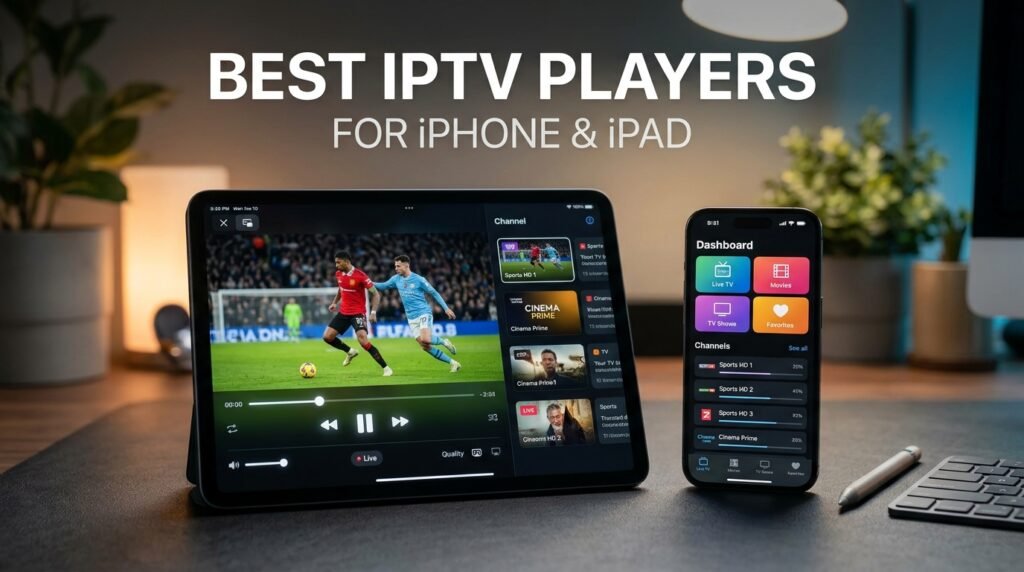
Best IPTV player apps for iPhone and iPad

Quick answer: Good IPTV player apps for iPhone and iPad include IPTVX, GSE Smart IPTV, VLC and Smarters Player Lite, and iPlayTV for Apple TV. Each lets you add your M3U playlist or Xtream login from your IPTV subscription.

Apple devices are great for IPTV: smooth playback, sharp screens and AirPlay to your TV. The App Store has fewer IPTV players than Android, so it helps to know which ones are worth installing.

App availability and prices change often. Check the official app store for the current version before you install. These are player apps only: they do not include channels, which come from your IPTV subscription.

1. IPTVX

A polished player built for Apple devices, with a modern interface, TV guide, favorites and support for iPhone, iPad, Mac and Apple TV. Some features require a paid upgrade.

2. GSE Smart IPTV

A long-running, feature-rich player supporting M3U and Xtream login, EPG, parental controls and Chromecast. The interface is busier, but it is very flexible.

3. iPlayTV (Apple TV)

One of the most popular players on Apple TV, with a clean TV-style guide designed for the remote. It is a paid app on tvOS.

4. VLC for Mobile

Free and open source. VLC plays M3U links directly and is perfect for testing your subscription on iPhone or iPad, though it has no TV guide.

5. Smarters Player Lite

A simple player with Xtream Codes login, live TV, movies and series sections. A good choice if your provider gives you Xtream details.

Comparison

AppiPhone/iPadApple TVTV guide
IPTVXYesYesYes
GSE Smart IPTVYesYesYes
iPlayTV—YesYes
VLCYesYesNo
Smarters Player LiteYesVariesYes

How to set up IPTV on iPhone and iPad

  1. Install
    Download your chosen player from the App Store.
  2. Add your list
    Enter your M3U link or Xtream username, password and server.
  3. Watch or AirPlay
    Play on the device or AirPlay to your Apple TV or Smart TV.

Tips for the best experience

  • Use Wi-Fi rather than mobile data for HD and 4K.
  • Turn on Picture in Picture to keep watching while using other apps.
  • Set up favorites so your main channels are one tap away.

For other devices, read our best IPTV apps for Android, iOS and Smart TVs.

Ready to switch? Compare our IPTV subscription plans, check the US channel list, or read what IPTV is and how it works.

Frequently asked questions

What is the best IPTV app for iPhone?

IPTVX and GSE Smart IPTV are popular full-featured choices; VLC is a free option for quick testing.

What is the best IPTV app for Apple TV?

iPlayTV and IPTVX are popular on Apple TV for their TV-style guides.

Are IPTV apps on the App Store free?

Some are free, some are paid, and many are free with optional upgrades.

Can I AirPlay IPTV to my TV?

Yes. Most players support AirPlay to an Apple TV or AirPlay-compatible Smart TV.

Related guides

See IPTV plans

Best IPTV Apps for Android, iOS and Smart TVs (2026)

App guide · Updated 2026

Best IPTV Apps for Android, iOS and Smart TVs

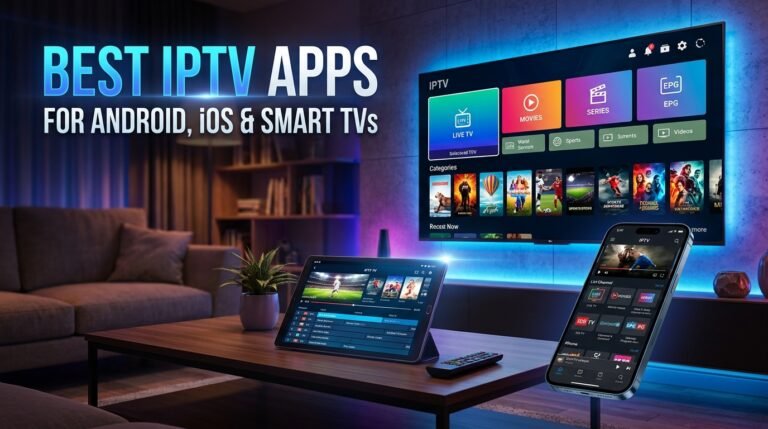
Best IPTV apps for Android, iOS and Smart TVs on streaming devices

Quick answer: Top IPTV apps by device: TiviMate or OTT Navigator for Android TV and Firestick, IPTVX or GSE Smart IPTV for iPhone and iPad, iPlayTV for Apple TV, IBO Player or Set IPTV for Samsung and LG Smart TVs, and VLC for computers.

The best IPTV app depends on your device. A player that is perfect on a Firestick may not even exist on a Samsung TV. This guide matches each device with the players that work best on it, so your IPTV service looks and runs at its best.

App availability and prices change often. Check the official app store for the current version before you install. These are player apps only: they do not include channels, which come from your IPTV subscription.

Firestick and Fire TV

TiviMate gives the most cable-like guide on the big screen. OTT Navigator is an excellent free alternative, and IPTV Smarters Pro is easy for beginners using Xtream login.

Android TV and Google TV

The same apps work on Android TV boxes, Nvidia Shield and Chromecast with Google TV. Install them from the Google Play Store. See our list of free IPTV apps for Android.

iPhone, iPad and Apple TV

IPTVX and GSE Smart IPTV are strong on iPhone and iPad, and iPlayTV is a favorite on Apple TV. Full details in our iPhone and iPad IPTV app guide.

Samsung and LG Smart TVs

Smart TVs use their own app stores. Players such as IBO Player, Set IPTV, Smart IPTV and Flix IPTV are available on many Samsung (Tizen) and LG (webOS) models. Many offer a free trial and a small one-time activation fee.

Roku

Roku has fewer IPTV players because of its closed platform. Many Roku users add a Firestick or Android TV device for IPTV, or use screen mirroring from a phone.

Windows and Mac

VLC plays M3U playlists for free on any computer. For a guide-style interface, desktop players such as MyIPTV Player on Windows or IPTVX on Mac work well.

Quick picks by device

DeviceTop pickFree alternative
FirestickTiviMateOTT Navigator
Android TVTiviMateOTT Navigator
iPhone / iPadIPTVXVLC
Apple TViPlayTVVLC
Samsung / LG TVIBO PlayerTrial versions
Windows / MacVLCVLC

What makes a good IPTV app?

  • A clear TV guideSo you can browse like cable.
  • Xtream Codes and M3U supportSo it works with most providers.
  • Catch-up and favoritesFor everyday convenience.
  • Regular updatesFor stability and security.

Then follow our step-by-step IPTV setup guide.

Ready to switch? Compare our IPTV subscription plans, check the US channel list, or read what IPTV is and how it works.

Frequently asked questions

What is the best IPTV app for Firestick?

TiviMate is the favorite for its cable-style guide; OTT Navigator and IPTV Smarters Pro are strong alternatives.

What IPTV app works on Samsung Smart TVs?

IBO Player, Set IPTV, Smart IPTV and Flix IPTV are available on many Samsung models.

Does Roku support IPTV apps?

Roku has very few IPTV players, so many users add a Firestick or Android TV device.

Do IPTV apps come with channels?

No. Apps are players; channels come from your IPTV subscription.

Related guides

See IPTV plans

Is IPTV Legal in the USA? What Viewers Need to Know (2026)

Legal guide · Updated 2026

Is IPTV Legal in the USA?

Is IPTV legal in the USA - scales of justice next to an IPTV streaming screen

Quick answer: Yes, IPTV as a technology is legal in the USA, and many of the largest TV services are IPTV. What is illegal is streaming or selling channels without the rights to them. Whether a service is legal depends on the provider, not on the technology.

“Is IPTV legal?” is one of the most searched questions about internet TV, and the answer is often confused online. This guide explains how US law treats IPTV, where the real legal line is, and how to protect yourself when choosing an IPTV service. It is general information, not legal advice.

IPTV technology is legal

IPTV simply means delivering TV over an internet connection. Services such as YouTube TV, Sling TV, Hulu + Live TV, DirecTV Stream and Fubo are all IPTV services, and they operate openly with licenses from the networks they carry. Using an IPTV app, a Firestick or a Smart TV to watch TV is completely legal.

Where the legal line is

The issue is copyright. TV networks and sports leagues own the rights to their content and license it to distributors. A service that rebroadcasts those channels without a license infringes copyright, no matter what technology it uses.

What US law says

Copyright infringement is covered by federal law. In December 2020, the Protecting Lawful Streaming Act made it a felony to run a commercial streaming service primarily designed to stream content without authorization. That law targets operators, not individual viewers, but it shows how seriously unlicensed streaming is treated.

Is it illegal to watch unlicensed IPTV?

Enforcement in the USA focuses on the people who run and sell unlicensed services. Individual viewers are rarely pursued, but that does not make unlicensed streams risk-free: the service can disappear overnight, payments are often unprotected, and some apps carry malware.

How to recognize a legal IPTV provider

  • Clear business identityA real company name, website and terms of service.
  • Normal payment methodsCard payments with receipts, not only gift cards.
  • Realistic pricesLicensed premium channels cost money, so extremely cheap packages with every premium channel are a warning sign.
  • Answers about licensingA legitimate provider can explain how its content is licensed.

Legal IPTV options in the USA

TypeExamplesCost
Live TV streamingYouTube TV, Sling TV, Hulu + Live TV, DirecTV Stream, Fubo, PhiloPaid monthly
Free ad-supported TVPluto TV, The Roku Channel, Samsung TV Plus, TubiFree
Network appsApps from individual networks and leaguesFree or paid

Read more in our guide to legal IPTV services in the USA.

The bottom line

IPTV is legal; unlicensed content is not. Choose providers with clear terms and real support, and ask how they license their channels before you pay.

Ready to switch? Compare our IPTV subscription plans, check the US channel list, or read what IPTV is and how it works.

Frequently asked questions

Is IPTV legal in the USA?

Yes. IPTV technology is legal, and many major US TV services are IPTV. Streaming channels without the rights to them is what breaks copyright law.

Can I get in trouble for using IPTV?

Using a licensed IPTV service carries no legal risk. Enforcement against unlicensed services targets operators and sellers, but viewers still face risks such as lost payments and malware.

Is a Firestick legal?

Yes. Firesticks and IPTV player apps are legal. What matters is the content you watch on them.

What is the Protecting Lawful Streaming Act?

A 2020 US law that made operating a commercial unlicensed streaming service a felony. It targets service operators, not viewers.

Related guides

See IPTV plans

Legal IPTV Services in the USA: What You Need to Know

Legal guide · Updated 2026

Legal IPTV Services in the USA: What You Need to Know

Legal IPTV services in the USA - shield icon and streaming TV

Quick answer: Legal IPTV services in the USA include paid live TV streaming services like YouTube TV, Sling TV and Hulu + Live TV, and free ad-supported services like Pluto TV and The Roku Channel. They are legal because they license the channels they stream.

If you want to cut cable without worrying about a service vanishing overnight, licensed IPTV is the safest route. This guide explains what makes an IPTV service legal, the main types of legal services available in the USA, and how to check any provider before you subscribe.

What makes an IPTV service legal?

A legal service holds distribution rights for the channels and shows it streams. Those rights are negotiated with networks, studios and sports leagues, which is why licensed live TV costs more than unlicensed offers.

Paid live TV streaming services

These replace a cable package with live channels, a TV guide and cloud DVR. Well-known examples are YouTube TV, Sling TV, Hulu + Live TV, DirecTV Stream, Fubo and Philo. Prices and channel lineups change often, so check each service’s current plans.

Free ad-supported TV (FAST)

Free ad-supported streaming TV gives you hundreds of live channels at no cost, paid for by ads. Popular options include Pluto TV, The Roku Channel, Samsung TV Plus, Tubi and Xumo Play. They are a great add-on for news, classic shows and movies.

Network and league apps

Many networks and sports leagues sell their own subscriptions or offer free apps with a TV login. These are legal and often the only legal way to watch specific events.

How to check if a provider is licensed

  • Company detailsLook for a registered business name and contact information.
  • Terms and refund policyLegal services publish clear terms.
  • Distribution on official app storesLicensed services usually have apps in the official Apple, Google, Amazon, Roku and Samsung stores.
  • Ask directlyA legitimate provider can explain its licensing.

Pros and cons of licensed IPTV

Pros

No legal risk, stable long-term service, official apps, protected payments, cloud DVR on many services.

Cons

Higher prices, fewer international channels, and some sports require extra subscriptions.

Choosing the right mix

Many households combine one paid live service with free FAST channels. Before you choose any provider, use our checklist on how to choose an IPTV service provider.

Ready to switch? Compare our IPTV subscription plans, check the US channel list, or read what IPTV is and how it works.

Frequently asked questions

Which IPTV services are legal in the USA?

Licensed services such as YouTube TV, Sling TV, Hulu + Live TV, DirecTV Stream, Fubo and Philo, plus free services like Pluto TV, The Roku Channel and Samsung TV Plus.

Are free IPTV services legal?

Free ad-supported services like Pluto TV and The Roku Channel are legal. Free services offering premium channels without ads usually are not.

Why do legal IPTV services cost more?

They pay networks and leagues for the rights to stream their channels.

How can I check if an IPTV provider is legal?

Look for a registered company, published terms, apps in official stores and a clear answer about licensing.

Related guides

See IPTV plans

Is IPTV Legal? A Country-by-Country Guide (2026)

Legal guide · Updated 2026

Is IPTV Legal? A Country-by-Country Guide

Is IPTV legal - country-by-country guide with world map

Quick answer: IPTV technology is legal in almost every country. What differs is how each country treats unlicensed IPTV: most target sellers and operators, some block illegal services, and a few have started fining individual viewers.

IPTV laws are not the same everywhere. The technology is legal worldwide, but countries take different approaches to services that stream channels without permission. This overview explains the general picture in major markets. Laws change often, so treat it as general information rather than legal advice.

The universal rule

Everywhere, the line is the same: licensed services are legal, and streaming copyrighted channels without permission infringes copyright. The differences are in enforcement.

United States

Licensed IPTV is legal and widely used. The Protecting Lawful Streaming Act of 2020 made running a commercial unlicensed streaming service a felony. Enforcement focuses on operators and sellers. Read our full guide: Is IPTV legal in the USA?

Canada

Canadian courts have issued orders requiring internet providers to block unlicensed IPTV services, and rights holders have taken sellers of preloaded devices to court. Licensed services are legal.

United Kingdom

The UK has prosecuted sellers and operators of illegal streaming services, with prison sentences in several cases. Courts also order blocking of illegal streams during live sports. Viewers watching live TV in the UK also need a TV Licence.

European Union

In 2017 the EU’s top court ruled in the Filmspeler case that selling media players preloaded with links to pirated content infringes copyright, and that streaming from an obviously illegal source is not covered by copyright exceptions. Several EU countries actively block illegal IPTV, and Italy has introduced fines for individual users.

Australia

Australian law allows courts to order the blocking of sites and services that mainly infringe copyright, and many IPTV services have been blocked this way.

Middle East

Countries such as the UAE and Saudi Arabia treat unlicensed IPTV as illegal, and authorities regularly act against sellers, especially around major sports tournaments.

Quick overview

RegionLicensed IPTVMain enforcement focus
USALegalOperators and sellers
CanadaLegalBlocking orders, sellers
UKLegalSellers, blocking
EULegalBlocking, sellers, some user fines
AustraliaLegalBlocking

How to stay safe anywhere

Use providers with clear terms and real contact details, pay with protected methods, and choose services that can explain how they license their content.

Ready to switch? Compare our IPTV subscription plans, check the US channel list, or read what IPTV is and how it works.

Frequently asked questions

Is IPTV legal everywhere?

The technology is legal almost everywhere. Unlicensed IPTV that streams channels without permission is illegal in most countries.

Which countries fine IPTV users?

Most countries focus on sellers and operators. Some, such as Italy, have introduced fines for individual users of illegal services.

Is IPTV legal in the UK?

Licensed IPTV is legal. Selling or running unlicensed services has led to prison sentences in the UK.

Is IPTV legal in Canada?

Yes for licensed services. Canadian courts have ordered internet providers to block unlicensed IPTV services.

Related guides

See IPTV plans

Different Types of IPTV Services Explained

IPTV basics · Updated 2026

Different Types of IPTV Services Explained

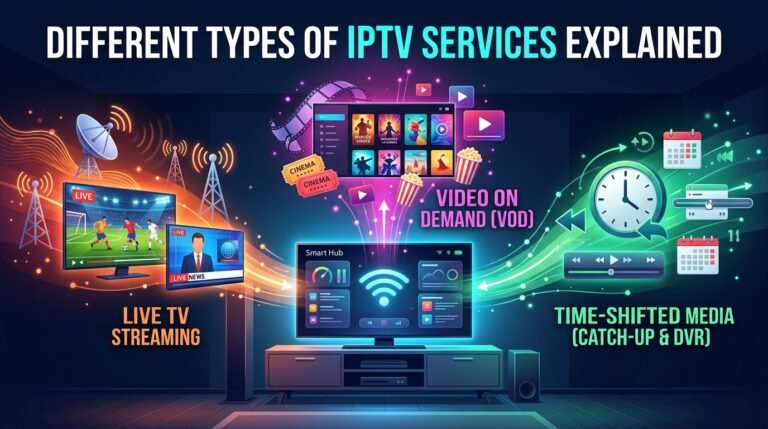
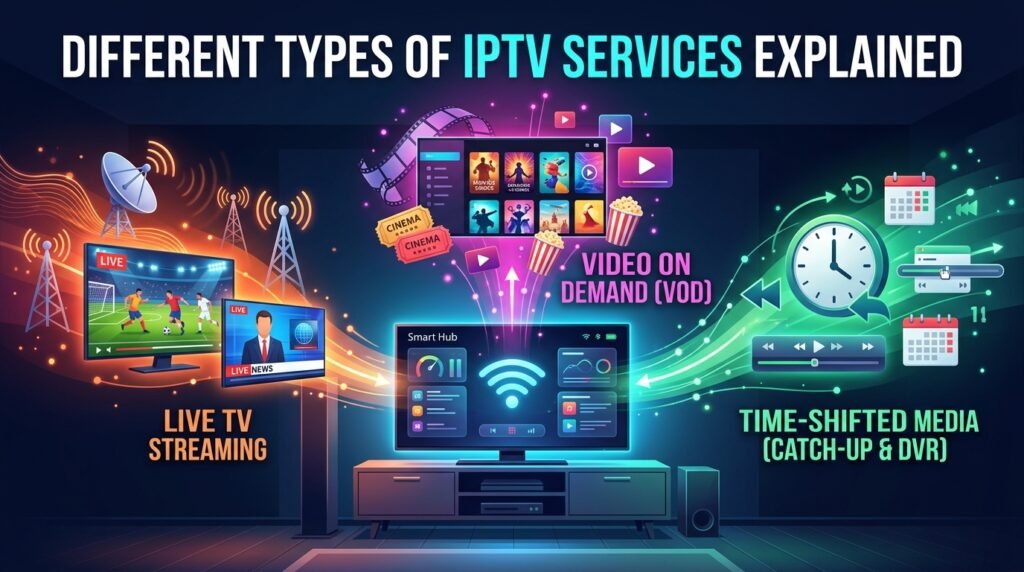
Different types of IPTV services: live TV, video on demand and catch-up

Quick answer: The main types of IPTV are live IPTV (real-time channels), video on demand (VOD), and time-shifted or catch-up TV. Most IPTV subscriptions combine all three in one app.

“IPTV” covers several ways of watching TV over the internet. Knowing the types helps you understand what an IPTV subscription includes and compare providers properly. If you are completely new, start with what IPTV is.

Live IPTV

Live IPTV streams channels in real time, just like cable: news, sports, network TV and events, organized in a program guide (EPG). This is the core of most IPTV subscriptions.

Video on demand (VOD)

VOD is a library of movies and series you can start whenever you want, with pause, rewind and resume. It works like Netflix inside your IPTV app.

Time-shifted and catch-up TV

Time-shifted TV lets you pause and rewind live channels. Catch-up TV keeps recently aired programs available for a period, often a few days, so you can watch a show you missed.

Near video on demand (NVOD)

NVOD plays the same content on several channels with staggered start times, so a movie starts every 15 or 30 minutes. It was common with pay-per-view and is less used today.

Free ad-supported TV (FAST)

FAST services stream live channels for free, funded by ads. Pluto TV, The Roku Channel and Samsung TV Plus are examples.

Hybrid IPTV

Hybrid boxes combine traditional broadcast (antenna, cable or satellite) with IPTV on one device, giving you live broadcast channels plus on-demand content in a single interface.

Comparison of IPTV types

TypeWatch when?Best for
Live IPTVReal timeSports, news, events
VODAny timeMovies and series
Catch-upAfter airingShows you missed
NVODScheduled startsPay-per-view style movies
FASTReal time, freeCasual viewing

Which type do you need?

If you watch sports and news, live IPTV with a good EPG matters most. If you binge series, a large VOD library matters more. Most households want both, which is why our IPTV plans include live TV and on-demand content together.

Ready to switch? Compare our IPTV subscription plans, check the US channel list, or read what IPTV is and how it works.

Frequently asked questions

What are the three main types of IPTV?

Live IPTV, video on demand (VOD) and time-shifted or catch-up TV.

Is VOD the same as IPTV?

VOD is one type of IPTV. IPTV also includes live channels and catch-up TV.

What is catch-up TV?

A feature that lets you watch programs after they aired, usually for a limited number of days.

Does an IPTV subscription include movies?

Most do. Many IPTV subscriptions combine live channels with a library of movies and series.

Related guides

See IPTV plans