
App guide · Updated 2026
Best IPTV Apps for Android, iOS and Smart TVs
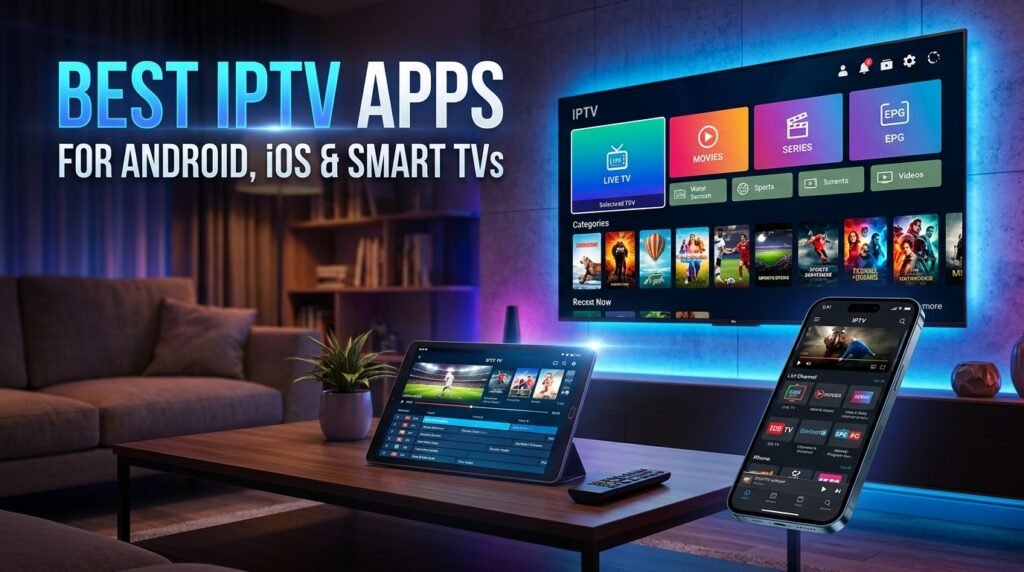
Quick answer: Top IPTV apps by device: TiviMate or OTT Navigator for Android TV and Firestick, IPTVX or GSE Smart IPTV for iPhone and iPad, iPlayTV for Apple TV, IBO Player or Set IPTV for Samsung and LG Smart TVs, and VLC for computers.
The best IPTV app depends on your device. A player that is perfect on a Firestick may not even exist on a Samsung TV. This guide matches each device with the players that work best on it, so your IPTV service looks and runs at its best.
App availability and prices change often. Check the official app store for the current version before you install. These are player apps only: they do not include channels, which come from your IPTV subscription.
Firestick and Fire TV
TiviMate gives the most cable-like guide on the big screen. OTT Navigator is an excellent free alternative, and IPTV Smarters Pro is easy for beginners using Xtream login.
Android TV and Google TV
The same apps work on Android TV boxes, Nvidia Shield and Chromecast with Google TV. Install them from the Google Play Store. See our list of free IPTV apps for Android.
iPhone, iPad and Apple TV
IPTVX and GSE Smart IPTV are strong on iPhone and iPad, and iPlayTV is a favorite on Apple TV. Full details in our iPhone and iPad IPTV app guide.
Samsung and LG Smart TVs
Smart TVs use their own app stores. Players such as IBO Player, Set IPTV, Smart IPTV and Flix IPTV are available on many Samsung (Tizen) and LG (webOS) models. Many offer a free trial and a small one-time activation fee.
Roku
Roku has fewer IPTV players because of its closed platform. Many Roku users add a Firestick or Android TV device for IPTV, or use screen mirroring from a phone.
Windows and Mac
VLC plays M3U playlists for free on any computer. For a guide-style interface, desktop players such as MyIPTV Player on Windows or IPTVX on Mac work well.
Quick picks by device
| Device | Top pick | Free alternative |
|---|---|---|
| Firestick | TiviMate | OTT Navigator |
| Android TV | TiviMate | OTT Navigator |
| iPhone / iPad | IPTVX | VLC |
| Apple TV | iPlayTV | VLC |
| Samsung / LG TV | IBO Player | Trial versions |
| Windows / Mac | VLC | VLC |
What makes a good IPTV app?
- A clear TV guideSo you can browse like cable.
- Xtream Codes and M3U supportSo it works with most providers.
- Catch-up and favoritesFor everyday convenience.
- Regular updatesFor stability and security.
Then follow our step-by-step IPTV setup guide.
Ready to switch? Compare our IPTV subscription plans, check the US channel list, or read what IPTV is and how it works.
Frequently asked questions
What is the best IPTV app for Firestick?
TiviMate is the favorite for its cable-style guide; OTT Navigator and IPTV Smarters Pro are strong alternatives.
What IPTV app works on Samsung Smart TVs?
IBO Player, Set IPTV, Smart IPTV and Flix IPTV are available on many Samsung models.
Does Roku support IPTV apps?
Roku has very few IPTV players, so many users add a Firestick or Android TV device.
Do IPTV apps come with channels?
No. Apps are players; channels come from your IPTV subscription.
Related guides
Best IPTV Player Apps for iPhone and iPad (2026)
The best IPTV player apps for iPhone, iPad and Apple TV: IPTVX, GSE Smart IPTV, iPlayTV, VLC and more, with features, pricing notes and setup steps.
10 Reasons to Ditch Cable for an Affordable IPTV Subscription
Why American households are leaving cable for an affordable IPTV subscription: lower bills, no contracts, no boxes, more devices and live TV plus on-demand in one app.
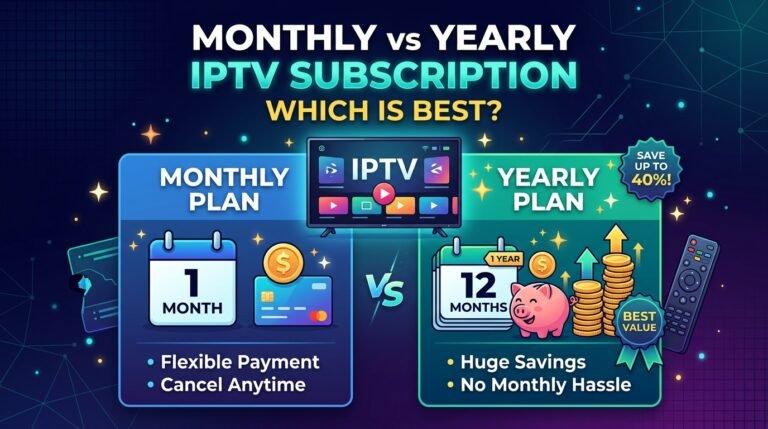
Monthly vs Yearly IPTV Subscription: Which Is Best in 2026?
Monthly vs yearly IPTV subscription: cost per month, flexibility, risk and who each plan suits. How to choose the best IPTV subscription length for you.