
Setup guide · Updated 2026
How to Set Up IPTV on Any Device in 5 Minutes
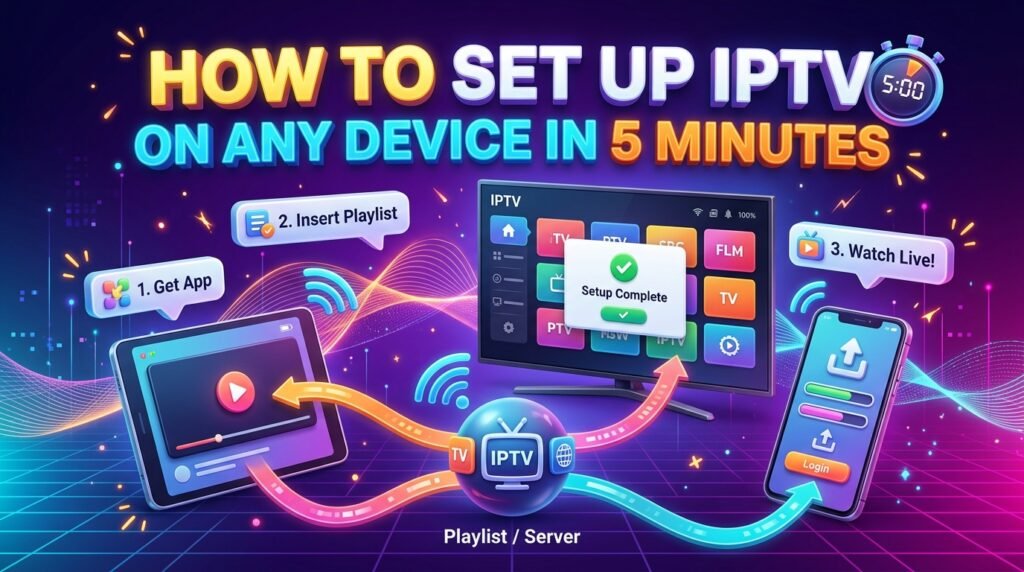
Quick answer: To set up IPTV, install an IPTV player app on your device, open it, and sign in with the login details or playlist link from your provider. The whole process takes about five minutes on most devices.
Setting up IPTV is easier than installing a cable box. You do not need a technician or new hardware, just a compatible device, an internet connection and your IPTV subscription details. Below are the exact steps for the most popular devices in the USA.
Device tutorials with screenshots: IPTV on Firestick · TiviMate IPTV setup (Android & ChromeOS) · IPTV on Smart TV (Samsung & LG)
What you need before you start
- An active IPTV subscriptionWith your username, password and server URL, or an M3U playlist link.
- A compatible deviceFirestick, Android TV, Smart TV, phone, tablet or computer.
- InternetAt least 10 Mbps for HD and 25 Mbps for 4K.
- An IPTV player appYour provider tells you which one works best.
Set up IPTV on Amazon Firestick
- Allow apps
Go to Settings, My Fire TV, Developer Options and allow apps from unknown sources for the Downloader app. - Install the player
Install your IPTV player from the Amazon Appstore, or with Downloader using the link from your provider. - Sign in
Open the app, choose Xtream Codes or M3U login and enter your details.
Set up IPTV on Android TV and Google TV
Open the Google Play Store, search for your IPTV player app, install it and sign in. Android TV boxes and Google TV devices such as Chromecast with Google TV follow the same steps.
Set up IPTV on a Samsung or LG Smart TV
Open the app store on your TV (Samsung Smart Hub or LG Content Store), search for a compatible IPTV player, install it and note the device ID or MAC address it shows if your provider needs it. Then enter your login or playlist details in the app or on the player’s website.
Set up IPTV on iPhone, iPad and Apple TV
Download an IPTV player from the App Store, open it, and add your playlist or Xtream login. On Apple TV, install the same app from the tvOS App Store. See our guide to the best IPTV player apps for iPhone and iPad.
Set up IPTV on Windows and Mac
Install a desktop IPTV player or VLC media player, then open your M3U playlist link. Desktop apps are handy for testing your subscription before you set up the TV.
Set up IPTV on a MAG box
Go to Settings, System Settings, Servers, Portals and enter the portal URL from your provider. Restart the box, and your channel list loads automatically.
After setup: get the best picture
- Use a wired connection for your main TV.
- Turn on the TV guide (EPG) in the app settings.
- Add your favorite channels to a favorites list.
- Choose 4K streams only if your TV and internet support them.
If something does not work, our IPTV troubleshooting guide covers the common fixes.
Ready to switch? Compare our IPTV subscription plans, check the US channel list, or read what IPTV is and how it works.
Frequently asked questions
How long does IPTV setup take?
About five minutes on most devices: install the app, open it and enter your login details.
Which app should I use for IPTV?
Use the player your provider recommends. Popular options include IPTV Smarters Pro, TiviMate, OTT Navigator and VLC.
Can I use one IPTV subscription on several devices?
Yes, you can install the app on several devices. How many can play at the same time depends on the number of connections in your plan.
Do I need a VPN for IPTV?
A VPN is not required to watch IPTV. Some people use one for privacy, but it can slow your connection.
Related guides
IPTV Not Working? Quick Fixes and Troubleshooting Guide (2026)
IPTV not working, buffering or not loading? Step-by-step fixes for Firestick, Smart TV and phones: internet checks, app cache, login errors, channels not loading and more.
How to Choose an IPTV Service Provider in the USA: The Complete Guide
The complete guide to choosing an IPTV service provider in the USA: channel lists, stream quality, devices, pricing, support, free trials and the red flags to avoid.
Is IPTV Legal in the USA? What Viewers Need to Know (2026)
Is IPTV legal in the USA? How US copyright law treats IPTV, the difference between licensed and unlicensed services, the risks for viewers, and how to spot a legal provider.